Apples
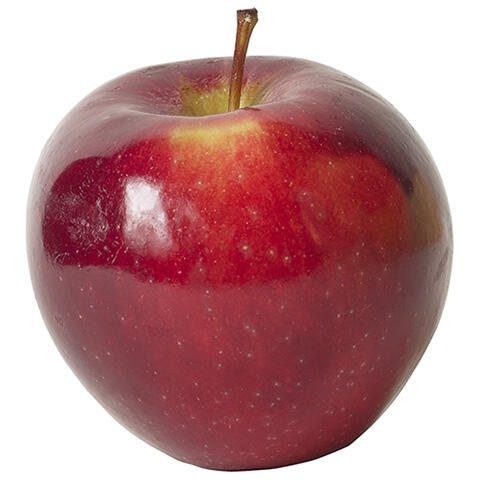
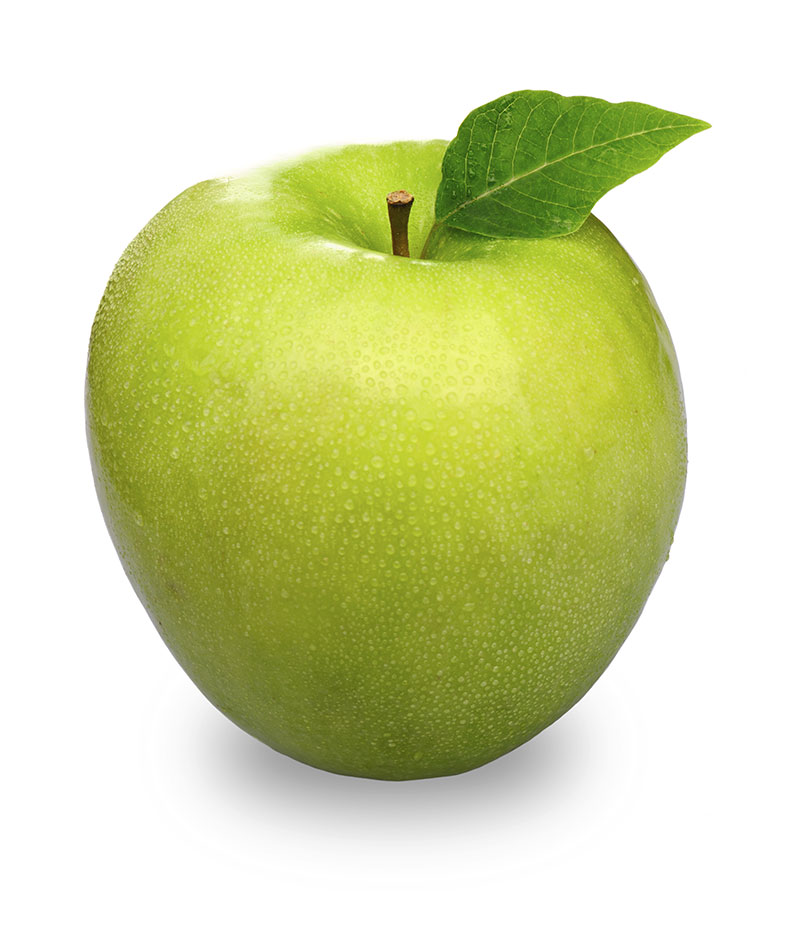
"An apple is an edible fruit produced by an apple tree (Malus domestica)" (Wikipedia). There are approximately 7,500 varieties of apples worldwide.
Here are some types of apples:
- McIntosh
- Red Delicious
- Honeycrisp
- Gala
- Granny Smith
Bananas
/https://tf-cmsv2-smithsonianmag-media.s3.amazonaws.com/filer/d5/24/d5243019-e0fc-4b3c-8cdb-48e22f38bff2/istock-183380744.jpg)
"A banana is an elongated, edible fruit – botanically a berry – produced by several kinds of large herbaceous flowering plants in the genus Musa" (Wikipedia). There are approximately 1,000 varieties of bananas worldwide.
Here are some types of bananas:
- Cavendish
- Lady Finger
- Red Banana
- Blue Java
- Plantain
Cherries
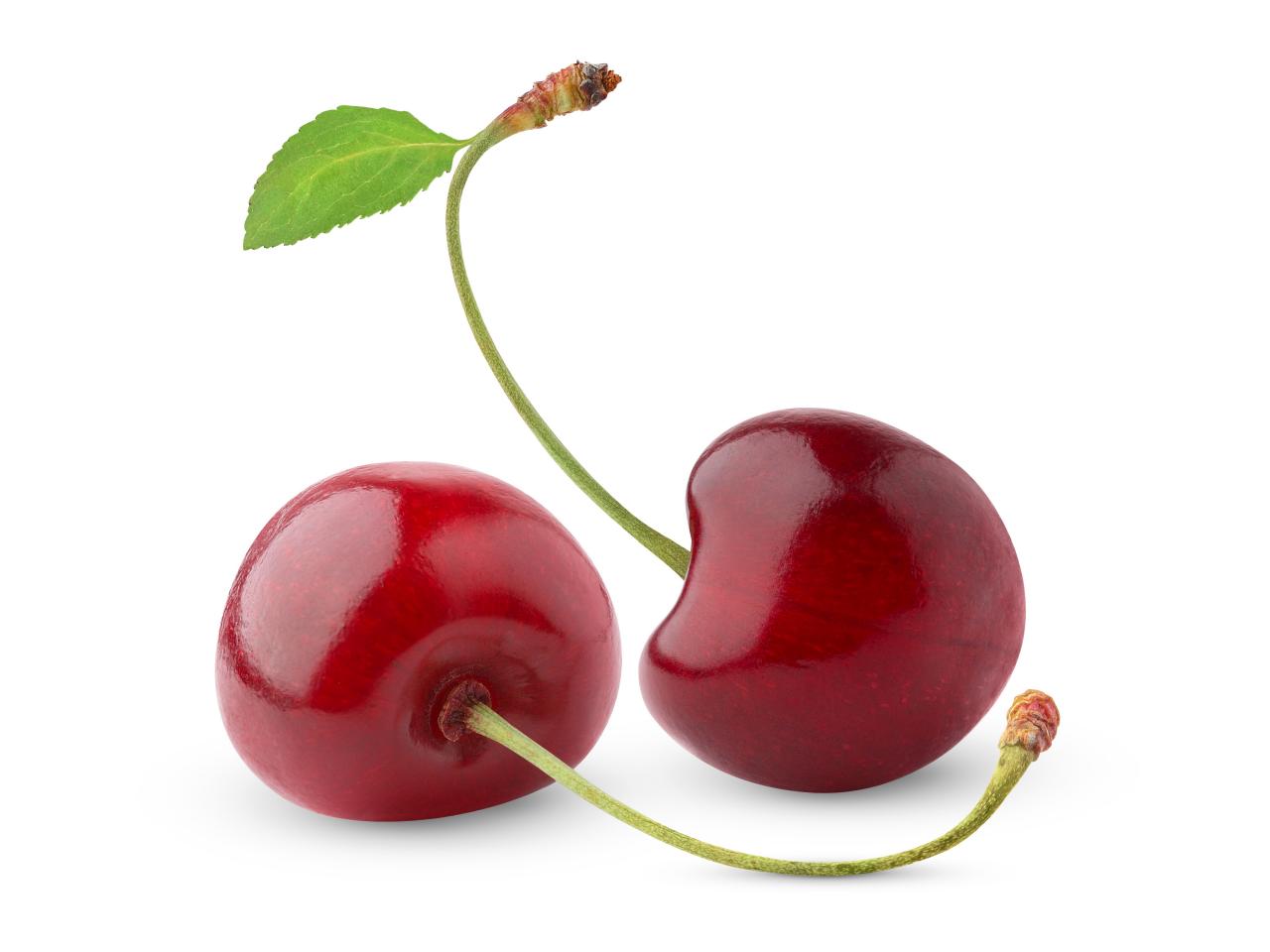
"A cherry is the fruit of many plants of the genus Prunus, and is a fleshy drupe (stone fruit)" (Wikipedia). There are approximately 1,200 varieties of cherries worldwide.
Here are some types of cherries:
- Morello
- Black Cherry
- Queen Anne
- Lambert
- Rainier
Dragon Fruit

"A pitaya or pitahaya is the fruit of several different cactus species indigenous to the region of southern Mexico and along the Pacific coasts of Guatemala, Costa Rica, and El Salvador...Pitaya usually refers to fruit of the genus Stenocereus, while pitahaya or dragon fruit refers to fruit of the genus Selenicereus (formerly Hylocereus), both in the family Cactaceae. The common name in English – dragon fruit – derives from the leather-like skin and scaly spikes on the fruit exterior. Depending on the variety, pitaya fruits may have sweet- or sour-tasting flesh that can be red, white, or yellow in color" (Wikipedia).
There are only a handful of different types of dragon fruit that span across two different genera. Some hybrids exist, giving dragon fruit a bit more of a variety.
Here are some types of dragon fruit:
- American Beauty
- Bloody Mary
- Dark Star
- Harpua
- Zamorano
You can learn more about the different varieties of dragon fruits at Pine Island Nursery.
Grapes
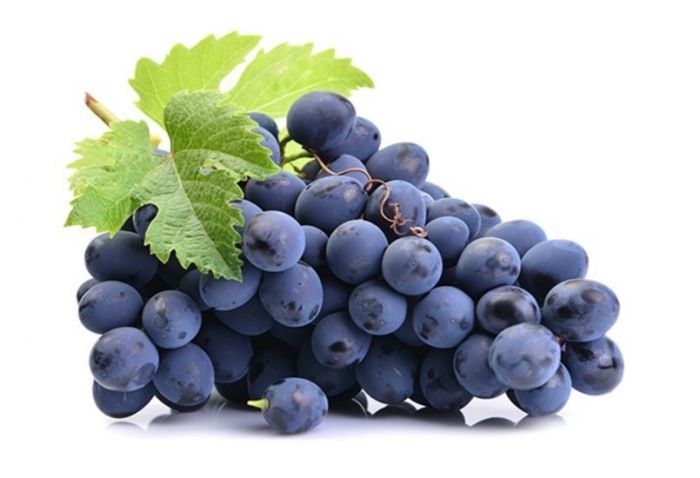

"A grape is a fruit, botanically a berry, of the deciduous woody vines of the flowering plant genus Vitis. Grapes are a non-climacteric type of fruit, generally occurring in clusters" (Wikipedia). There are approximately over 10,000 types of grapes that are grown worldwide, most of which are used to make wine.
Here are some types of grapes:
- Dominga
- Champagne
- Riesling
- Merlot
- Concord
Footnote
I suppose it warrants mentioning that I greatly misunderstood what a technical documentation page was upon beginning this project. I, of course, have now learned what a technical documentation page consists of. However, I can't bring myself to delete or scrap everything I put together and am instead going to shoehorn the code elements into this last section. At the end of the day I was able to demonstrate my ability to follow prompts and implement different HTML and CSS concepts introduced to me over the course of this unit, and seeing as how this is just practice, that is all that really matters.
It was through my own curiosity that I discovered that the <code> tag in fact is used to display fragments of computer code. I had been witnessing this element at work throughout my web development lessons on freeCodeCamp without ever realizing it! This element can be helpful when instructing others on formatting and using new coding concepts for HTML or CSS. The font used in this element often appears smaller and in the browser's default monospace font family to help set it apart from other content.
It is important to note that you cannot use angle brackets (otherwise known as chevrons) within the <code> element. Instead, you must write them as < for the opening bracket, and > for the closing bracket.
Furthermore, in order to simply write out the code that creates the brackets, you must include "amp" after the ampersand in both codes: & amp gt;. Hint: remove the spaces before and after "amp" in order for the code to properly display!